Navigation
Think of this page as your map of the web app: where everything lives, what it's called, and what it does. A quick read here will save you a lot of clicking around later.
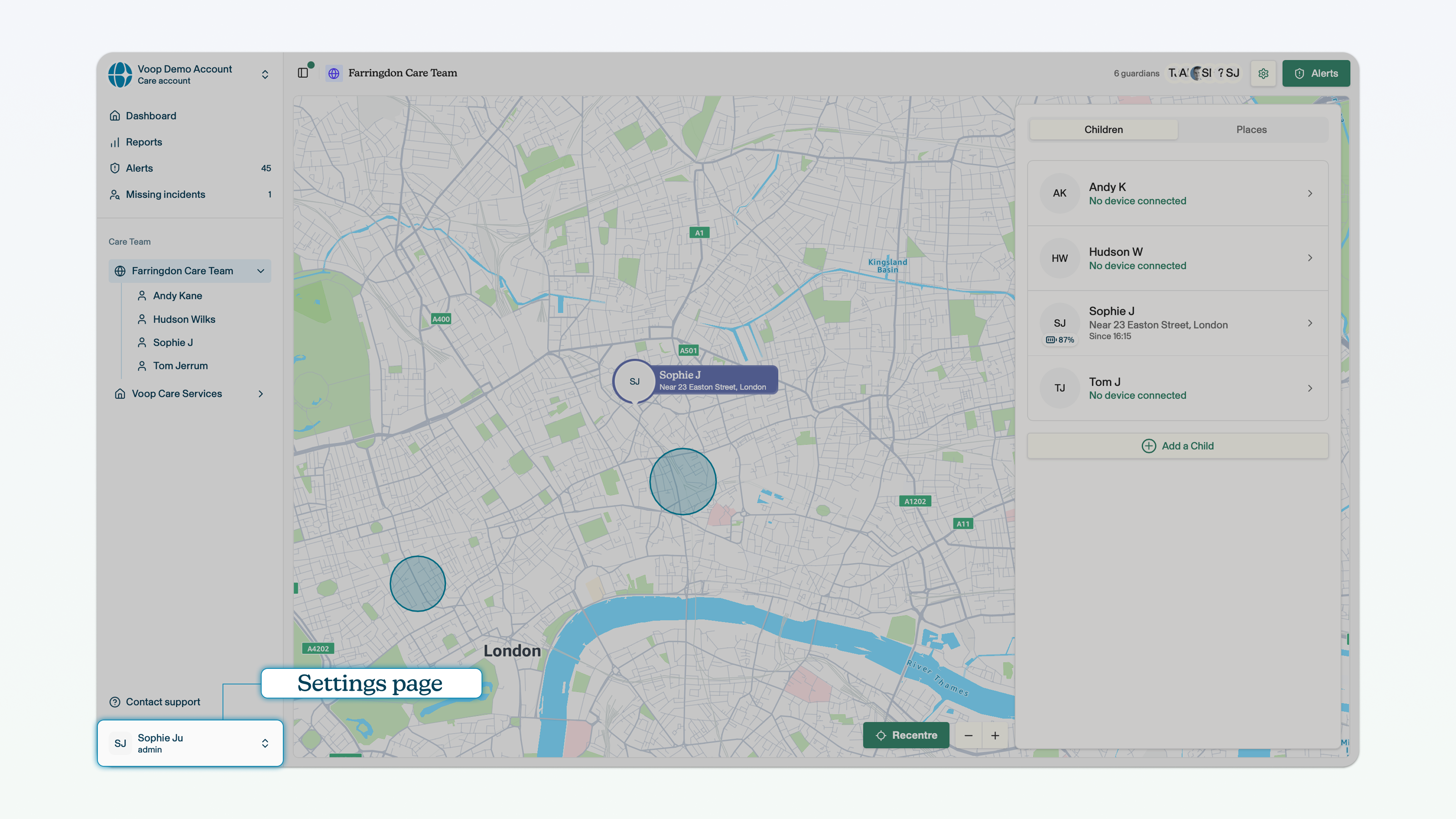
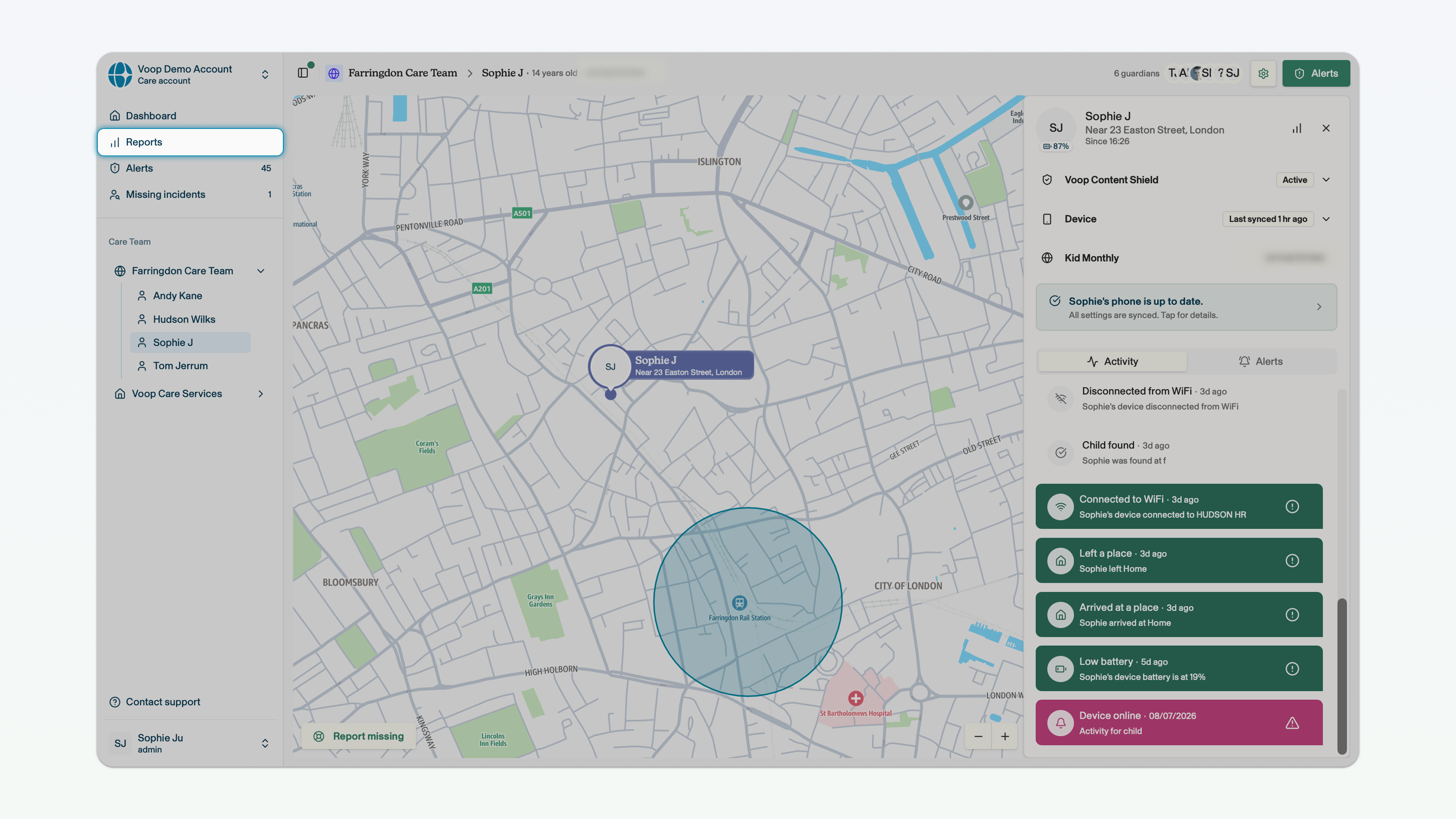
Sidebar
Where to find it?
The bar on the left side of your screen, when you are logged into the web app. If the sidebar is closed because you're in child view, you can click the sidebar icon to make it appear.
What does it do?
Provides access to your dashboard, alerts view, team selector, child selector and settings page.
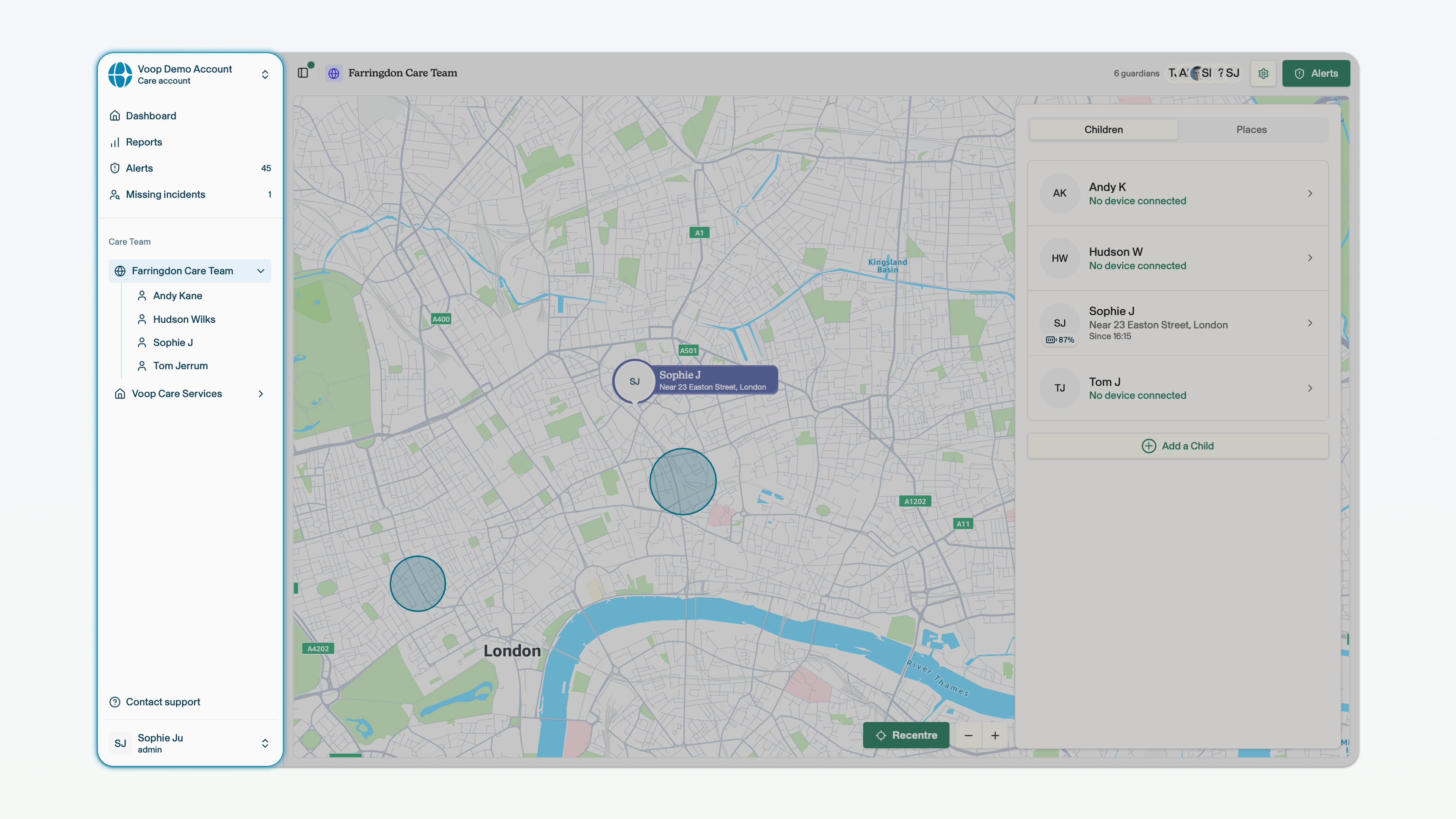
Team selector
Where to find it?
In the sidebar or in the dashboard.
What does it do?
Provides access to the teams that you have permission to manage, allowing you to select teams and, therefore, the children that sit within these teams.
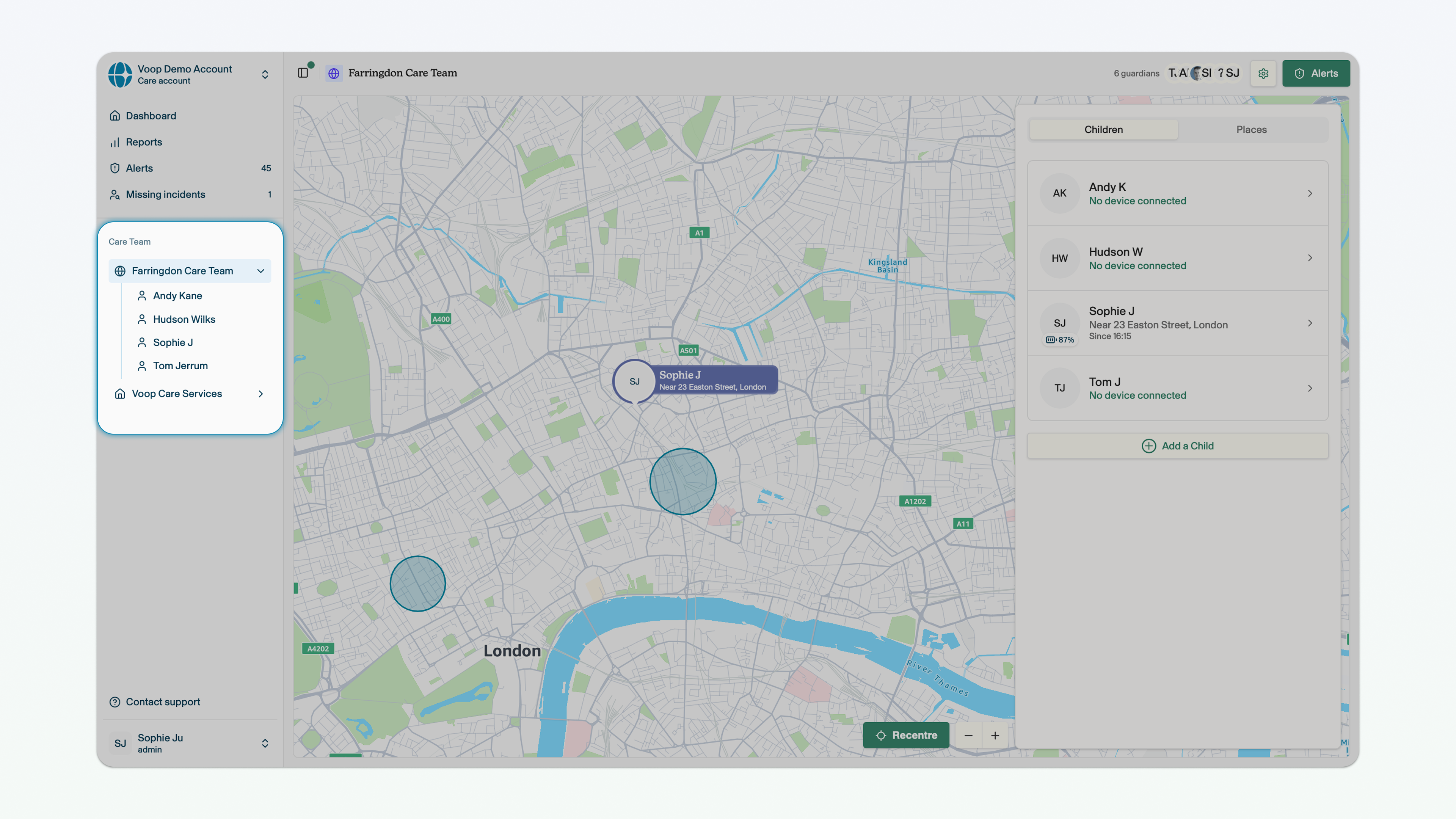
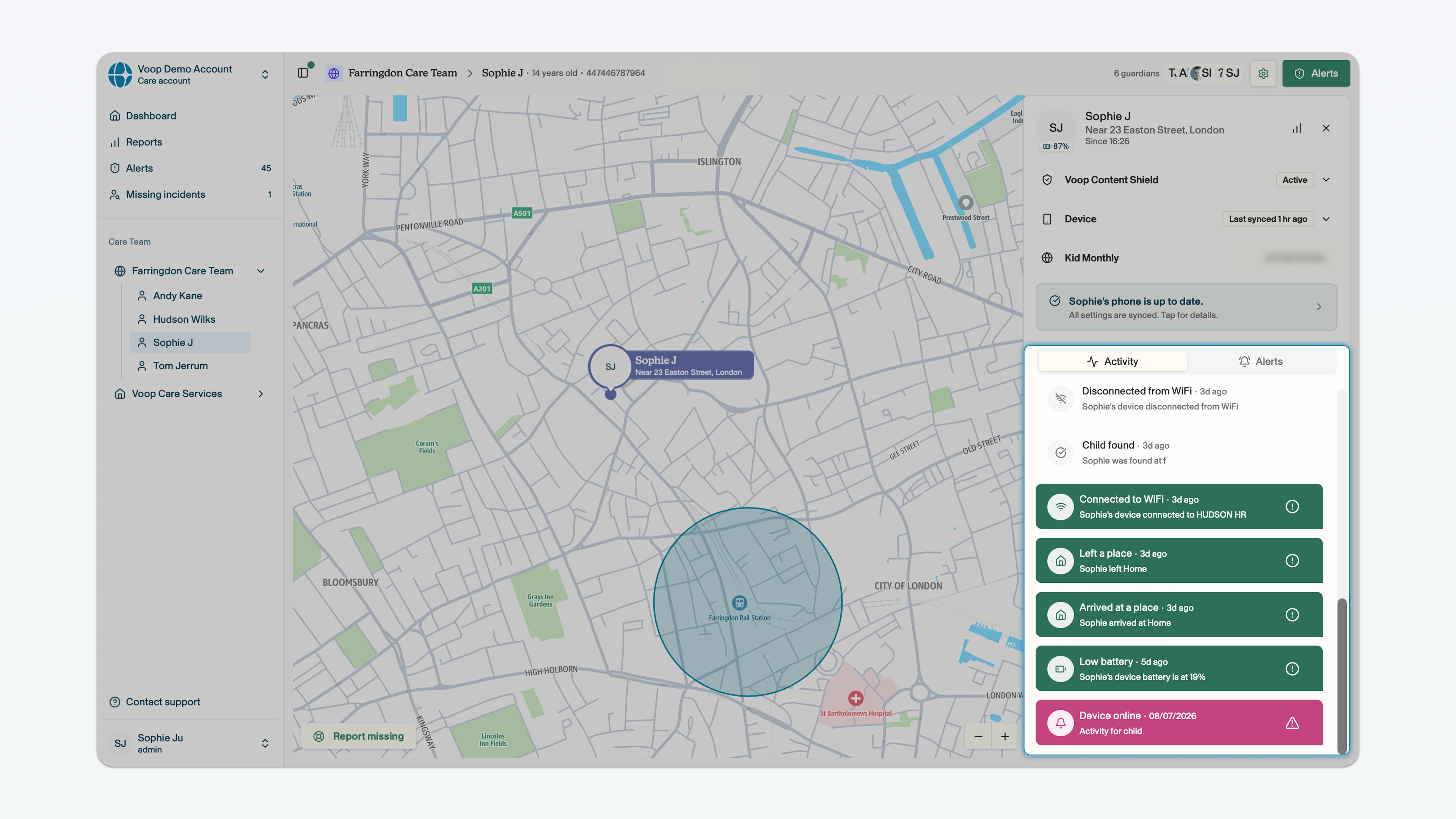
Side panel
Where to find it?
On the right side of your screen when you are in the child view.
What does it do?
Provides access to the management controls for the child's device and the activity and alert feed.
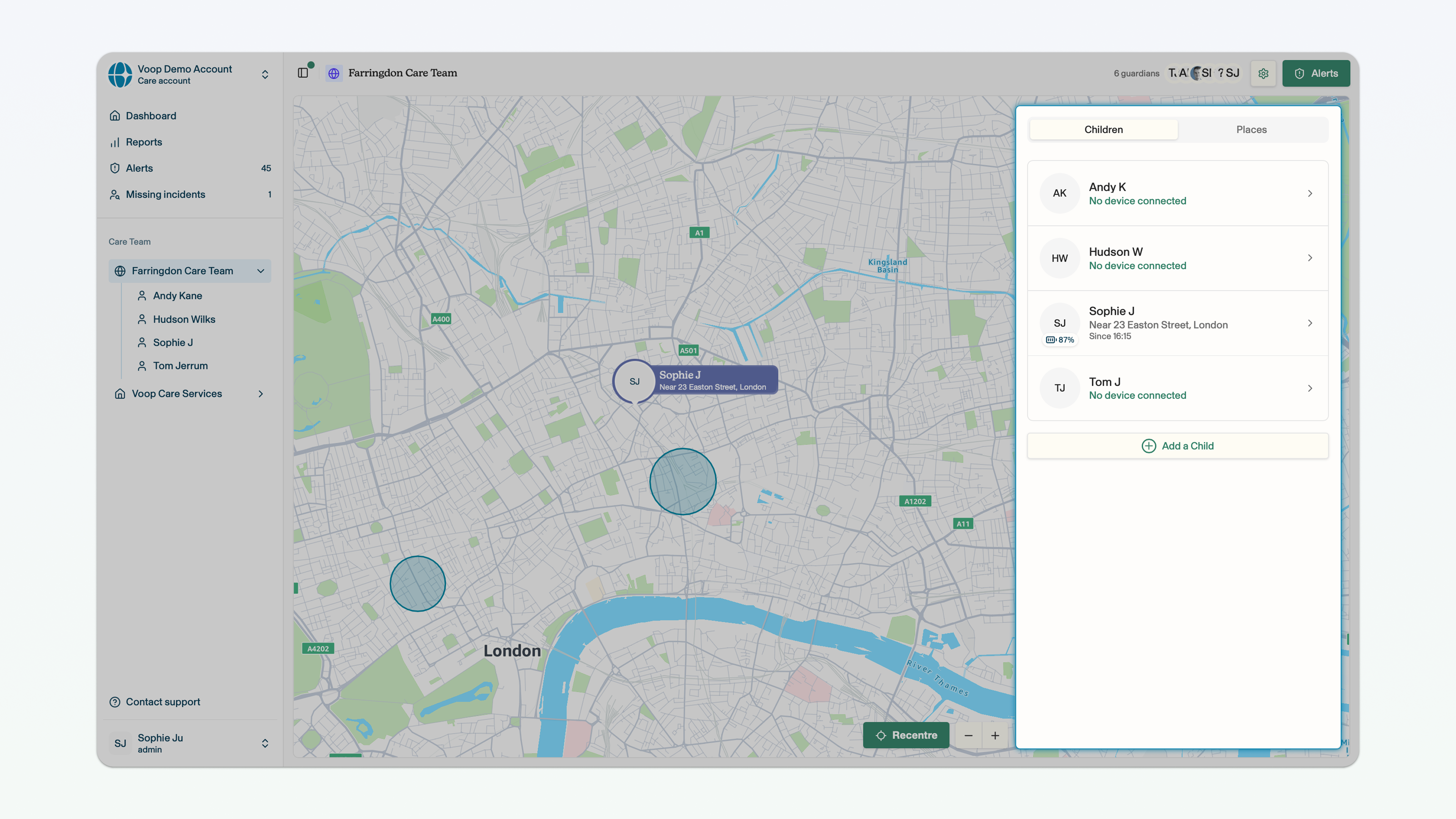
Activity feed
Where to find it?
On the left tab in the centre of the side panel.
What does it do?
Provides a feed of activities undertaken by the child through the device.
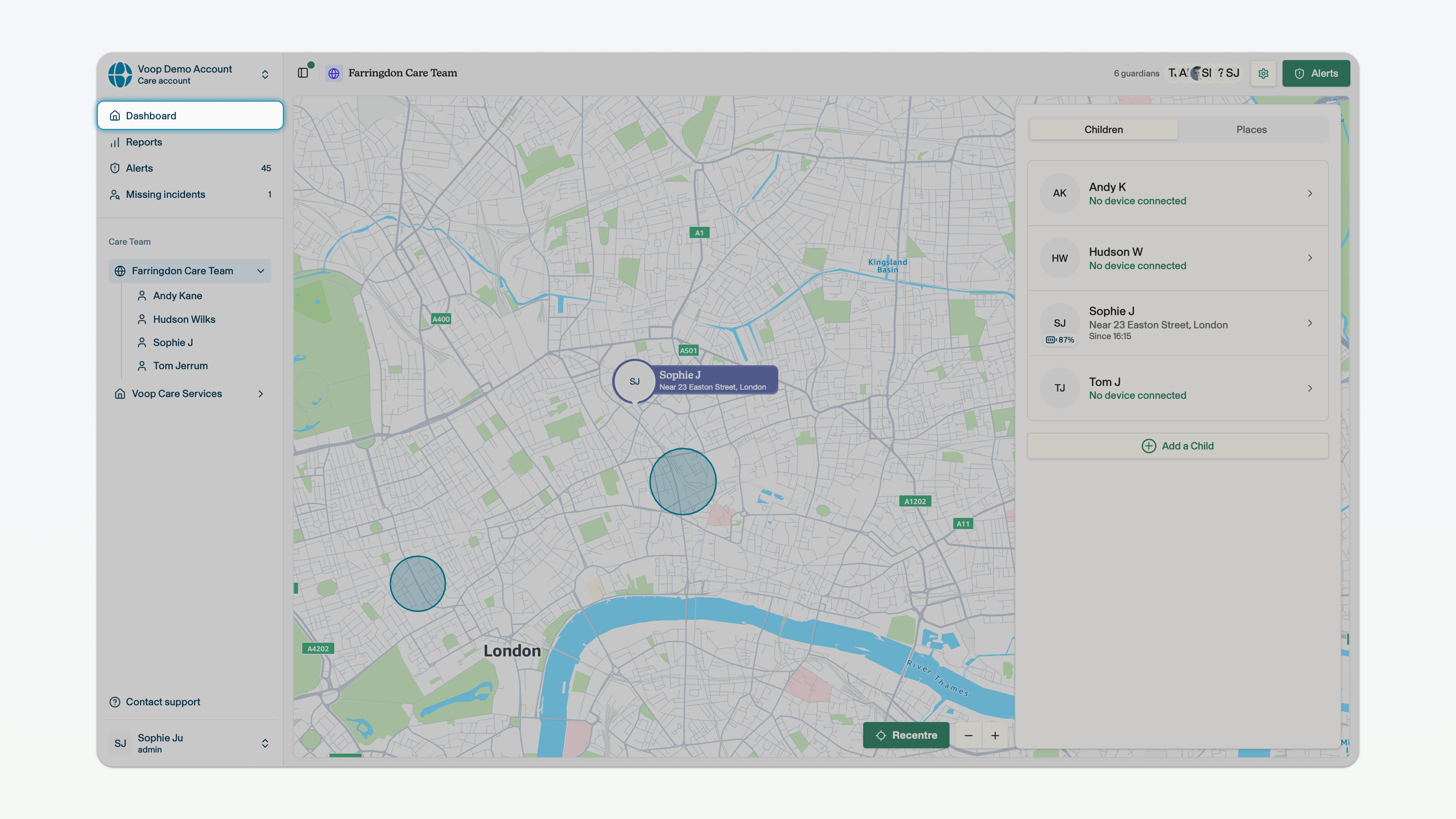
Dashboard
Where to find it?
At the top of the sidebar.
What does it do?
Provides a view of all of the teams that you have permission to manage.
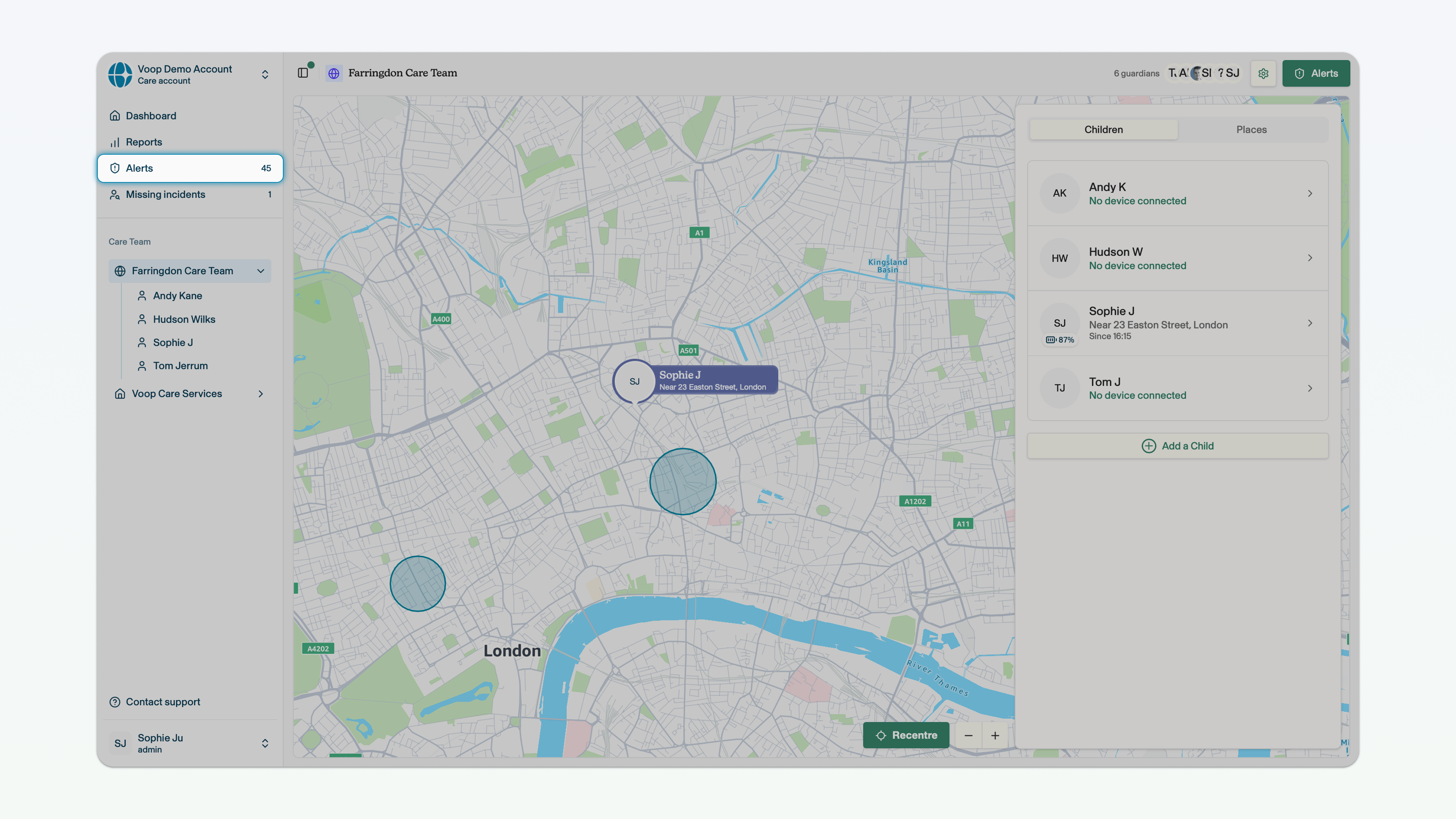
Alerts page
Where to find it?
At the top of the sidebar.
What does it do?
Provides a view of all alerts surfaced for children in a team. You can see more information on alerts here.
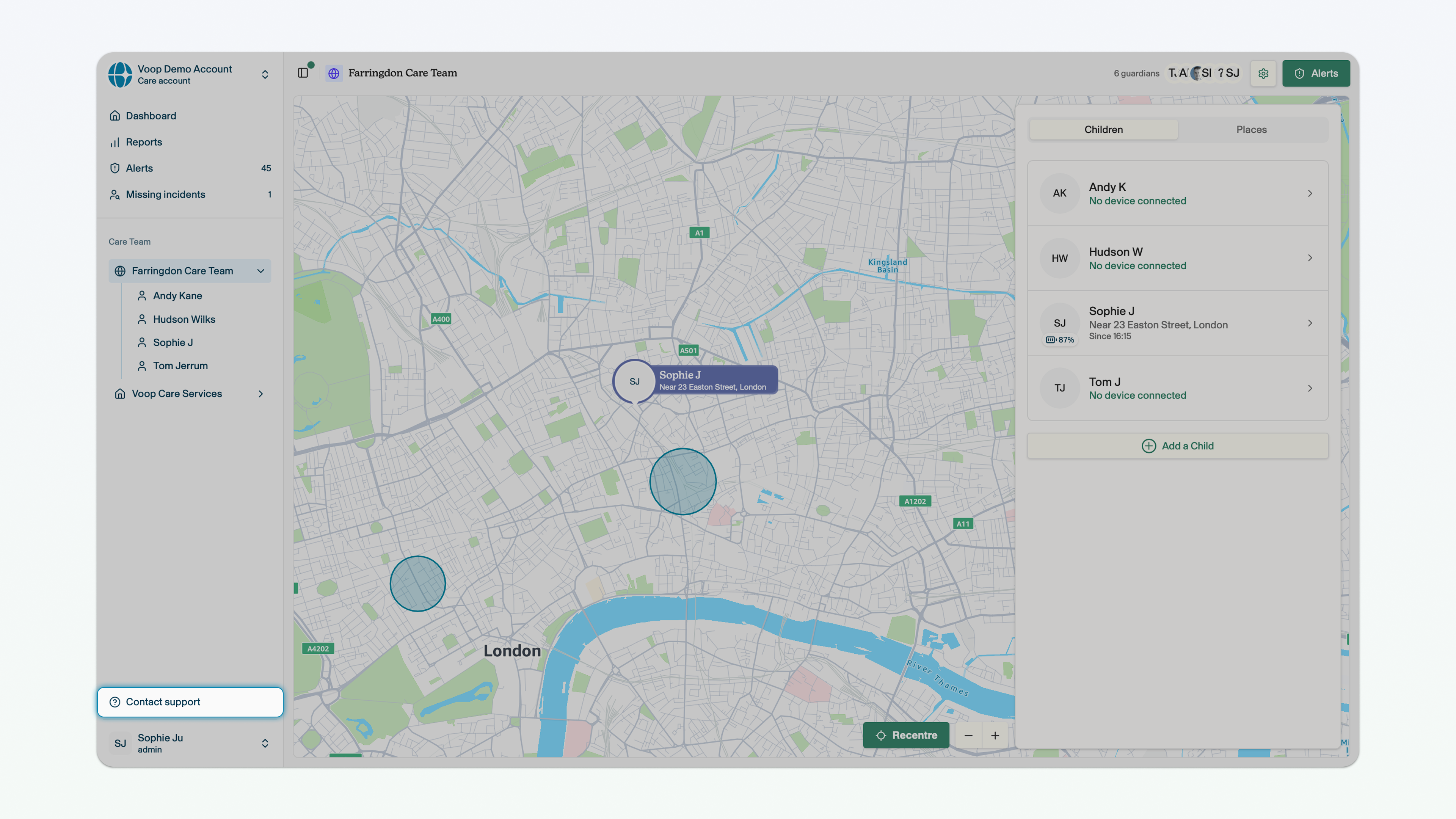
Voop customer support
Where to find it?
In the bottom right corner of any page of the web app.
What does it do?
Provides the ability to share feedback, flag issues or otherwise contact the Voop team.
Reports
Where to find it?
At the top of the sidebar.
What does it do?
Provides team-level reporting on screen time and app usage, attempted access of blocked sites, and blocked calling and texting data. You can find more information on reports here.
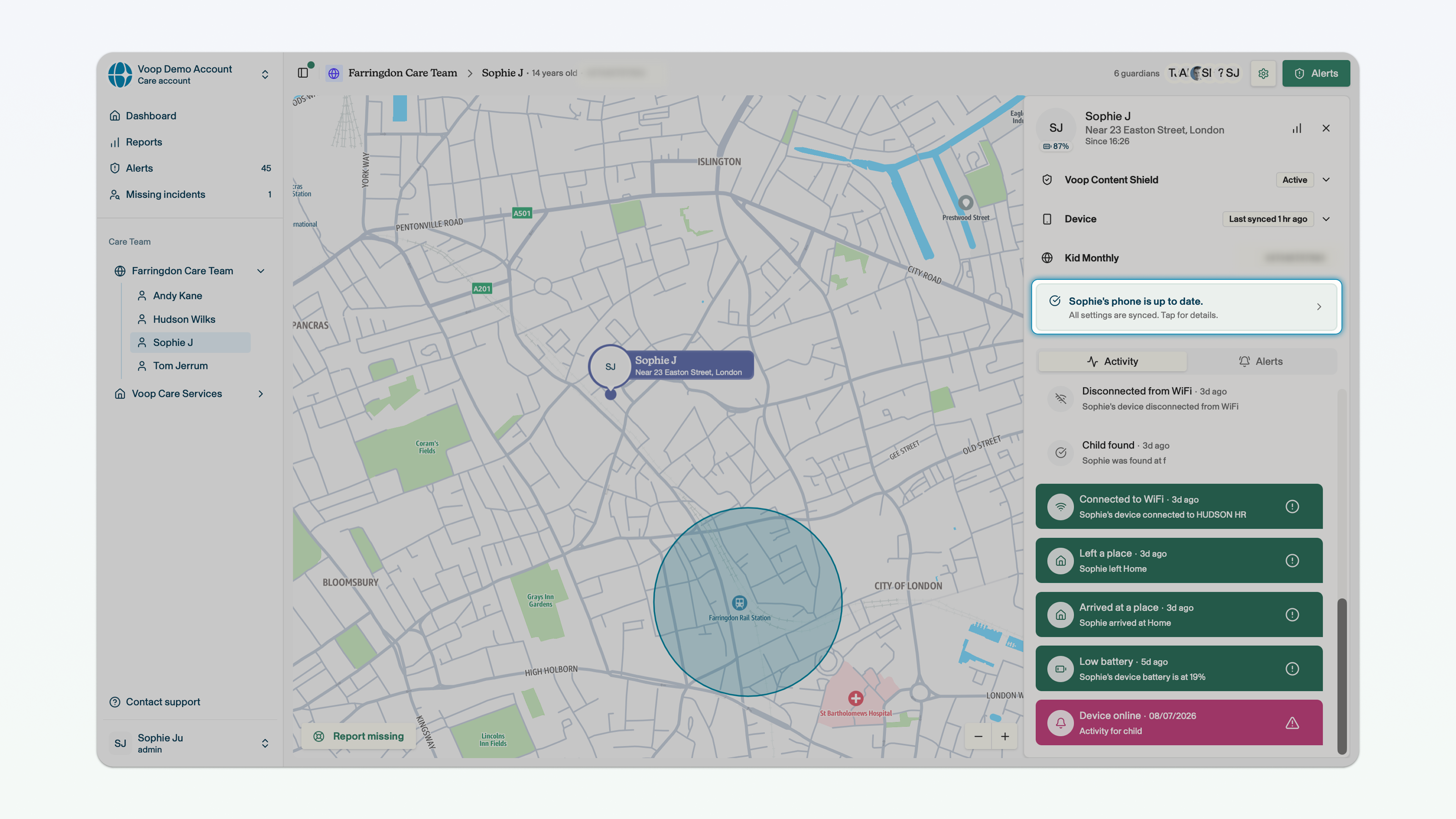
Device sync status
Where to find it?
In the side panel, when in the child dashboard view.
What does it do?
Tells you whether the changes you've made on the dashboard have synced with the child's device. You can find more information on device sync status here.
Settings page
Where to find it?
At the bottom of the sidebar.
What does it do?
Provides access to settings to edit your account, team or user profile.