

Reports
We want to help you understand how children are using their smartphones. Reports is all about surfacing important pieces of information to help you make informed decisions around how best to safeguard and support the wellbeing of a child using a Voop device.
To navigate to the reports page from the dashboard view, click on reports in the sidebar on the left. This view shows reporting data for all of the children in the account.
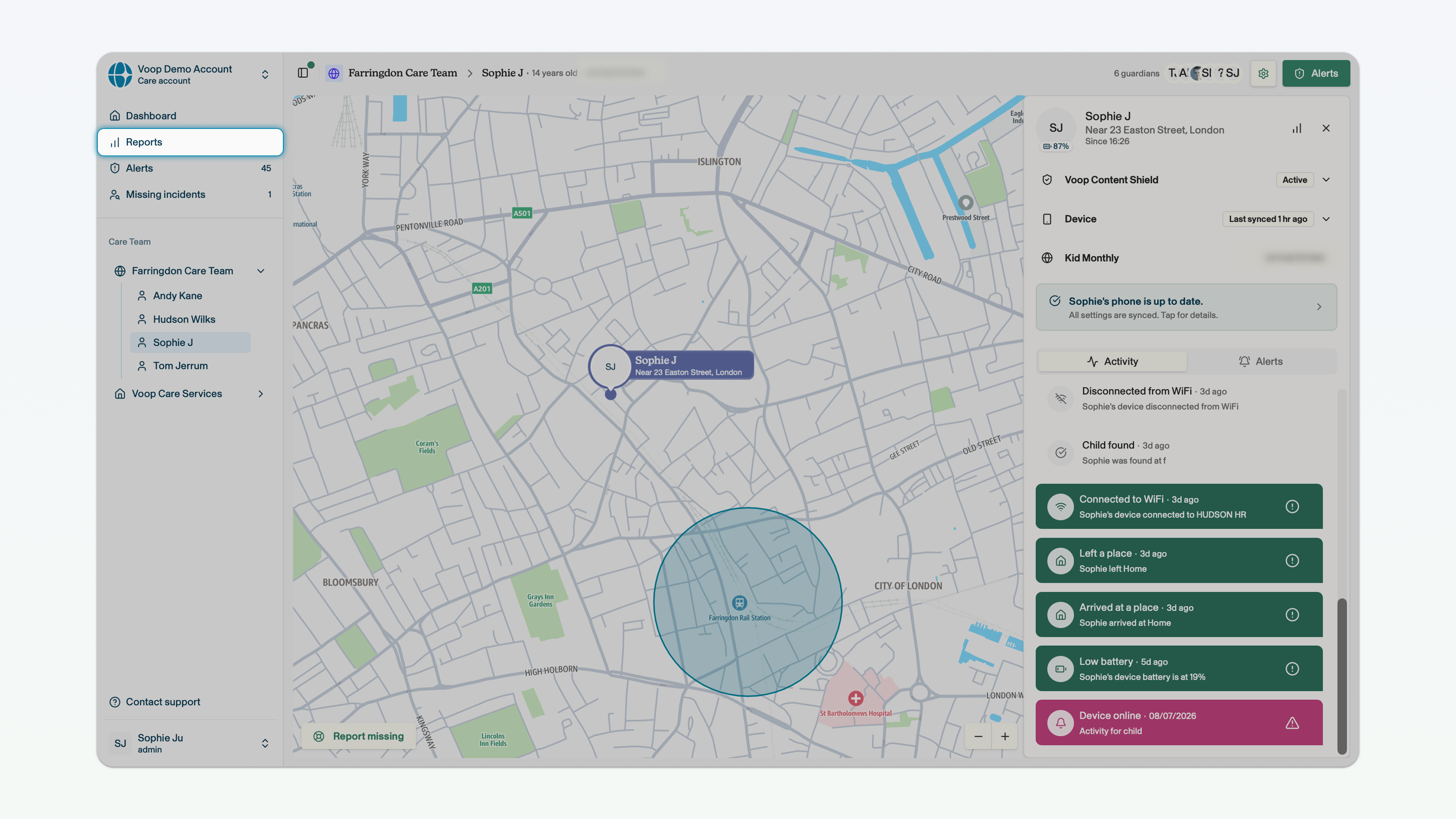
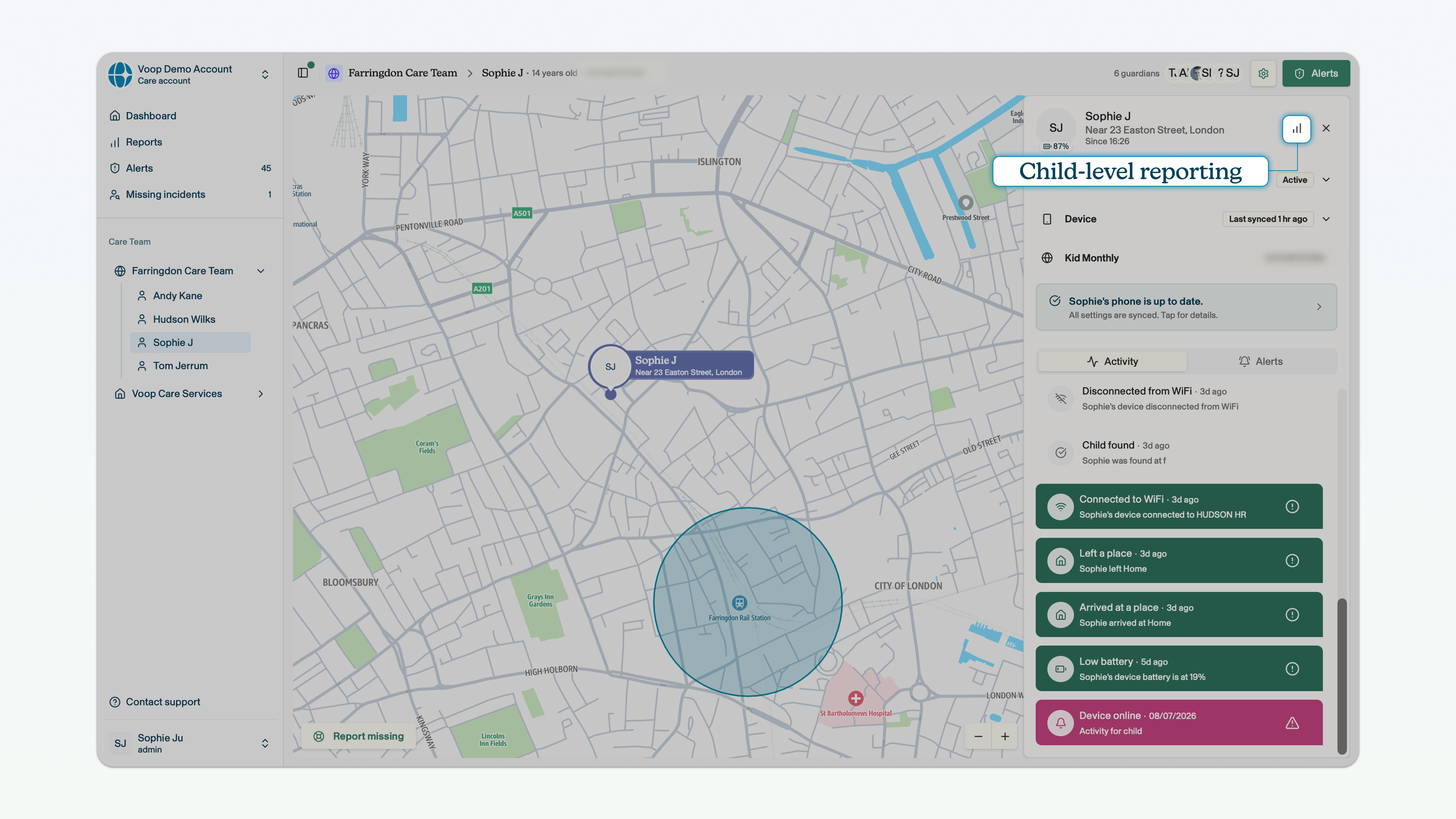
To navigate to the reports page for a specific child, click on the reporting icon in the side panel on the right, when you're in the child view.
You can use the buttons in the top right corner to set the range of days for the data that we surface. You can toggle between 7 days, 30 days, 60 days and 90 days.
Please note that the data will not feed through to the reports immediately, there may be a small time lag as the report section updates. Screen time usage will only refresh once every 24 hours.
You can view data on the following metrics in reports:
- Total number of children on the platform, and the total number of team leaders, admins and guardians
- Total number of alerts surfaced to the dashboard, and the number of alerts surfaced per day
- Total number of permitted phone calls made, and the proportion of phone calls that were permitted versus blocked
- Total number of phone calls blocked, and the number of phone calls blocked per day
- Total number of texts blocked, and the number of texts blocked per day
- Total number of attempted access to blocked websites, and attempted access to blocked websites per day
- Total number of missing reports, and missing reports per day
- Average duration of missing incidents, and average missing incident length by day
- Average daily screen time, and average screen time per day
- Busiest time of day (hour of the day with greatest screen time use), and screen time use per hour
- Top apps by usage, and total time spent on each app