

Incident reporting
We want to help prevent children from going missing in the future. We have developed missing incident reporting to help admins, team owners and guardians to identify trends and patterns in missing incidents, to help avoid them in the future.
Admins, team owners and guardians can view missing incident reports.
The missing feature should only be used if you have genuine safety concerns for the child. Using this feature in the absence of a genuine safety concern could result in an unlawful deprivation of a child's liberty.
How to view a missing incident report
You can view a missing incident report by going to missing incidents in the side bar.
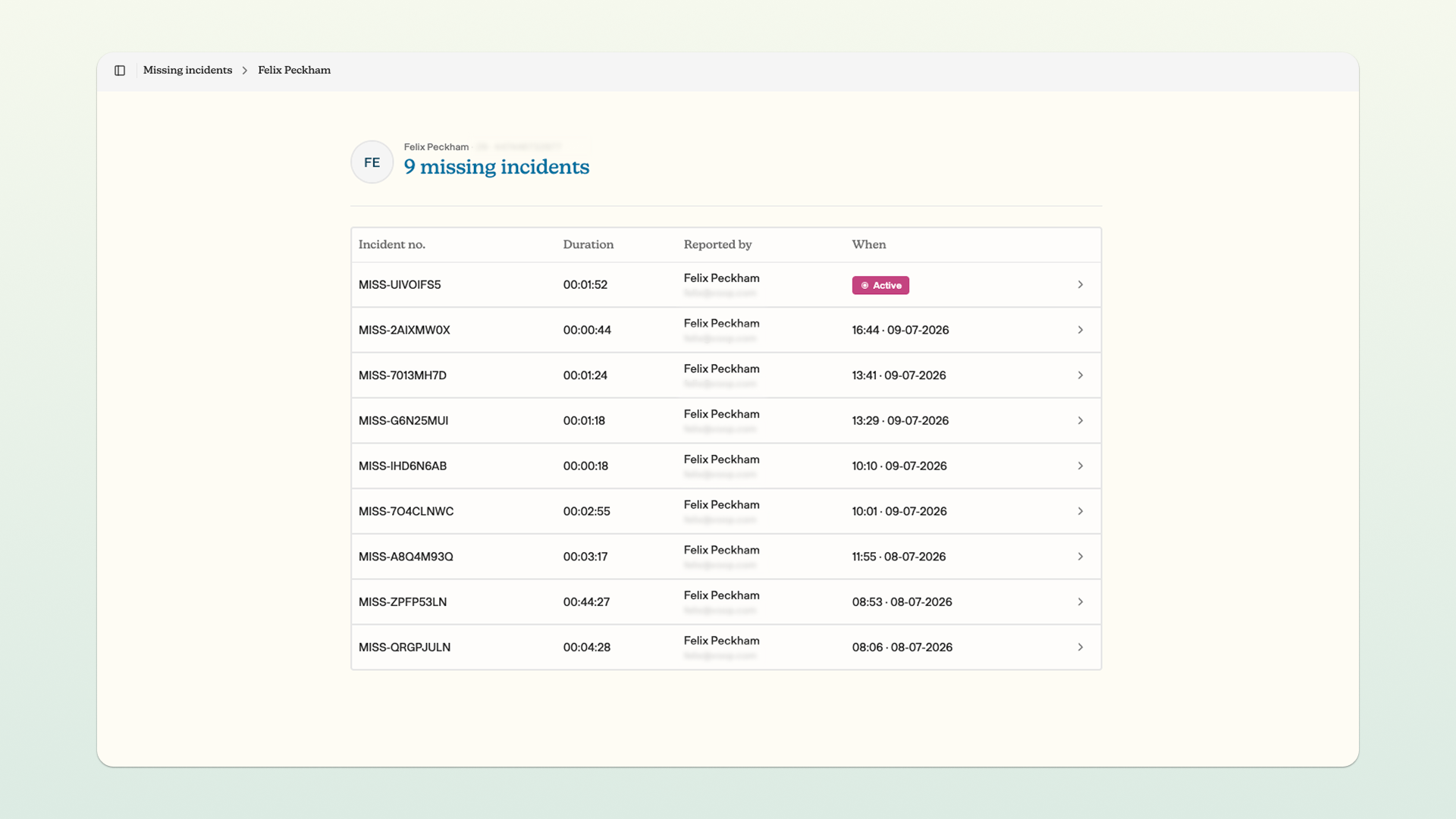
You can now see all current and historic missing incidents for the care teams that you have permission to view. You can click into an active missing incident to enter the missing view, which will display key information relating to that incident and the location of the child's device.
You can click into historic missing incidents to see key information relating to that missing report. This includes the dates and times of the missing incident, the length of the missing incident, and the map of the route that the child's device took during the missing incident.
Click incident report to view a formal report of the missing incident.
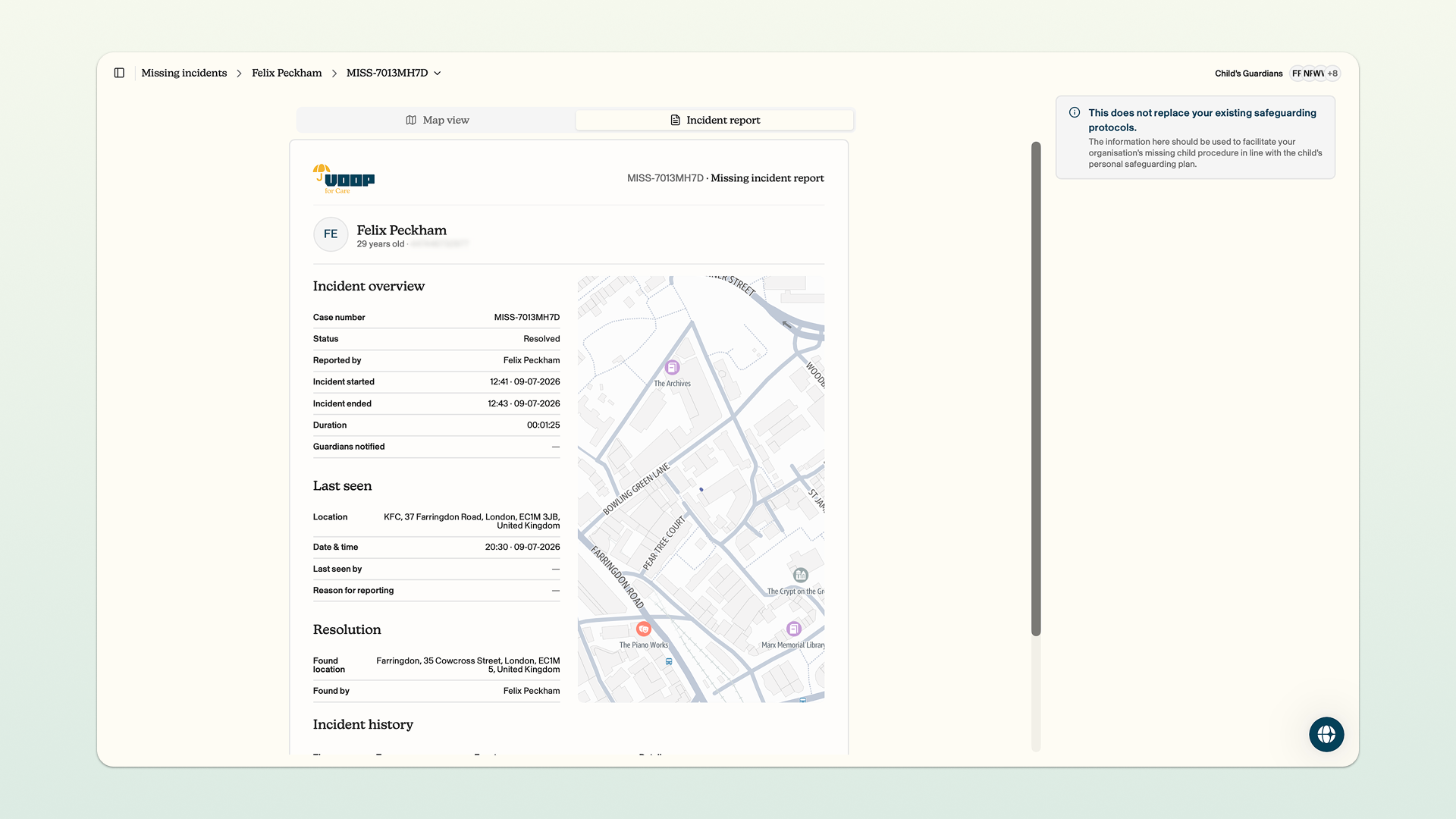
Click print/export PDF to print or save this missing incident as a PDF.
Missing incident reports do not replace existing organisational practices on reporting and assessing occasions where a child has gone missing. This is designed as an additional tool to help you with existing practices.