Using the Voop App
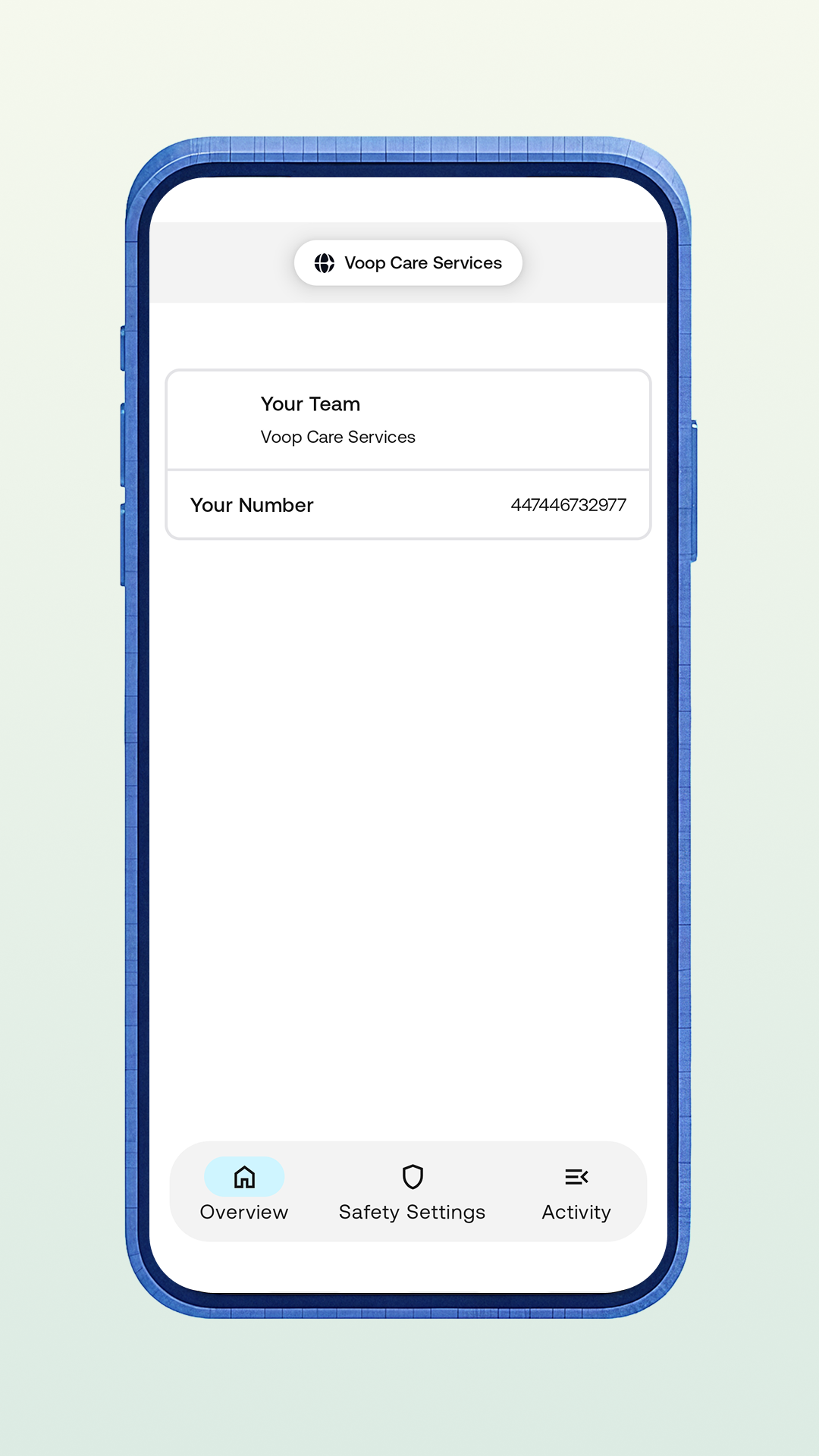
Overview page
You can view the name of the care team you belong to and you can see your phone number here. That's it for the moment!
In the future, we'll add more bits of information here that you might find useful. If you can think of anything, let us know.
Safety settings
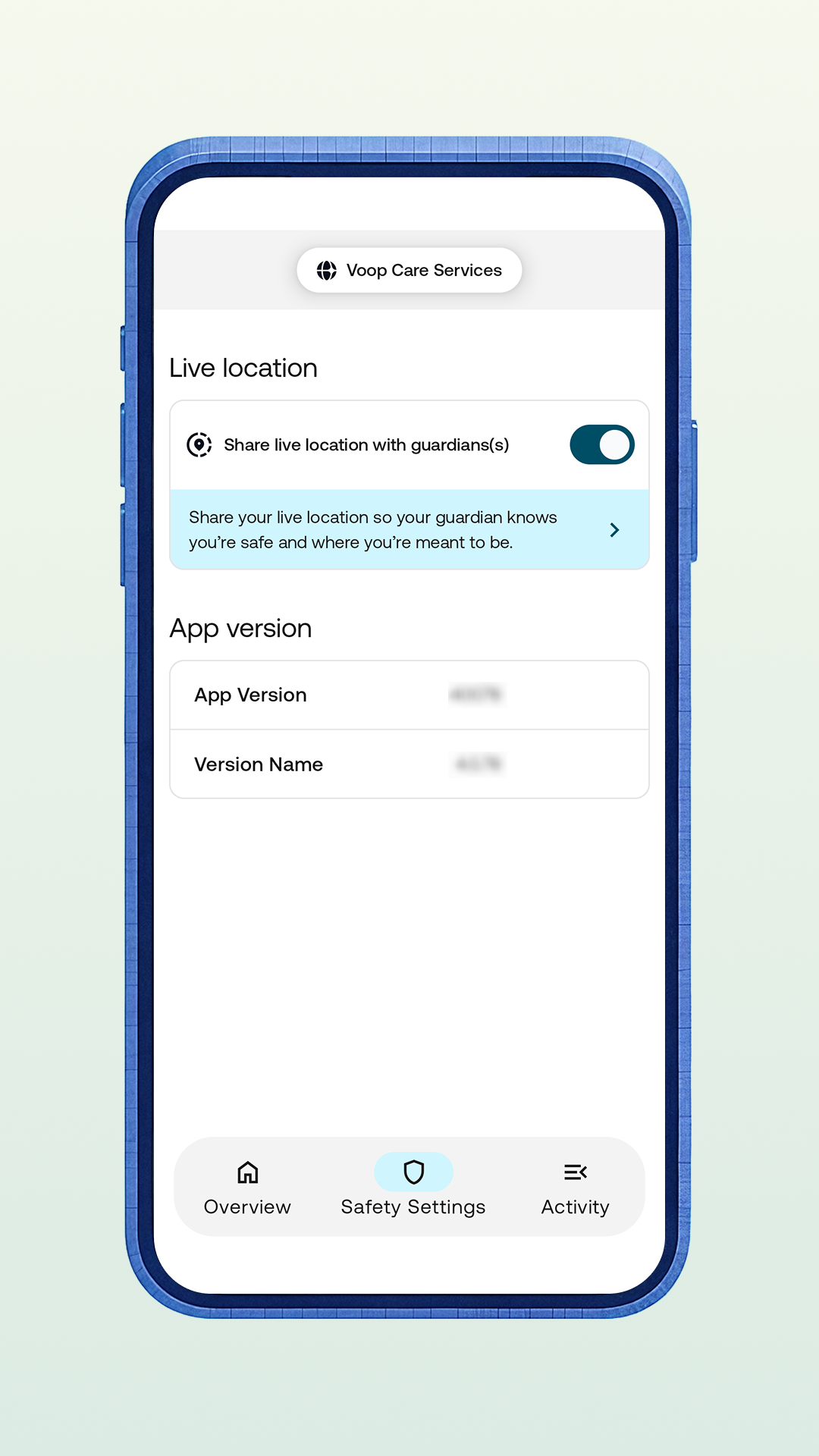
You can remove consent to share your live location with the guardian(s) who manage your device. This is really important! You always have the ability to remove consent for location sharing, you just need to turn the toggle off. You'll know that live location sharing is turned off when the toggle goes from blue to grey.
As soon as you turn off live location sharing, we will send an alert to the guardian's dashboard and their map showing your location in the child view will go grey and say that the child is no longer sharing their location.
You can also see the app version for your Voop app on this page. We're constantly working on improving Voop, so the app version you're on may change from time to time.
If you are reported as missing by an admin, team owner or guardian - this will override your removal of consent to share location. As soon as you have been reported as found through the dashboard, your location sharing consent will revert to it's pre-missing status.
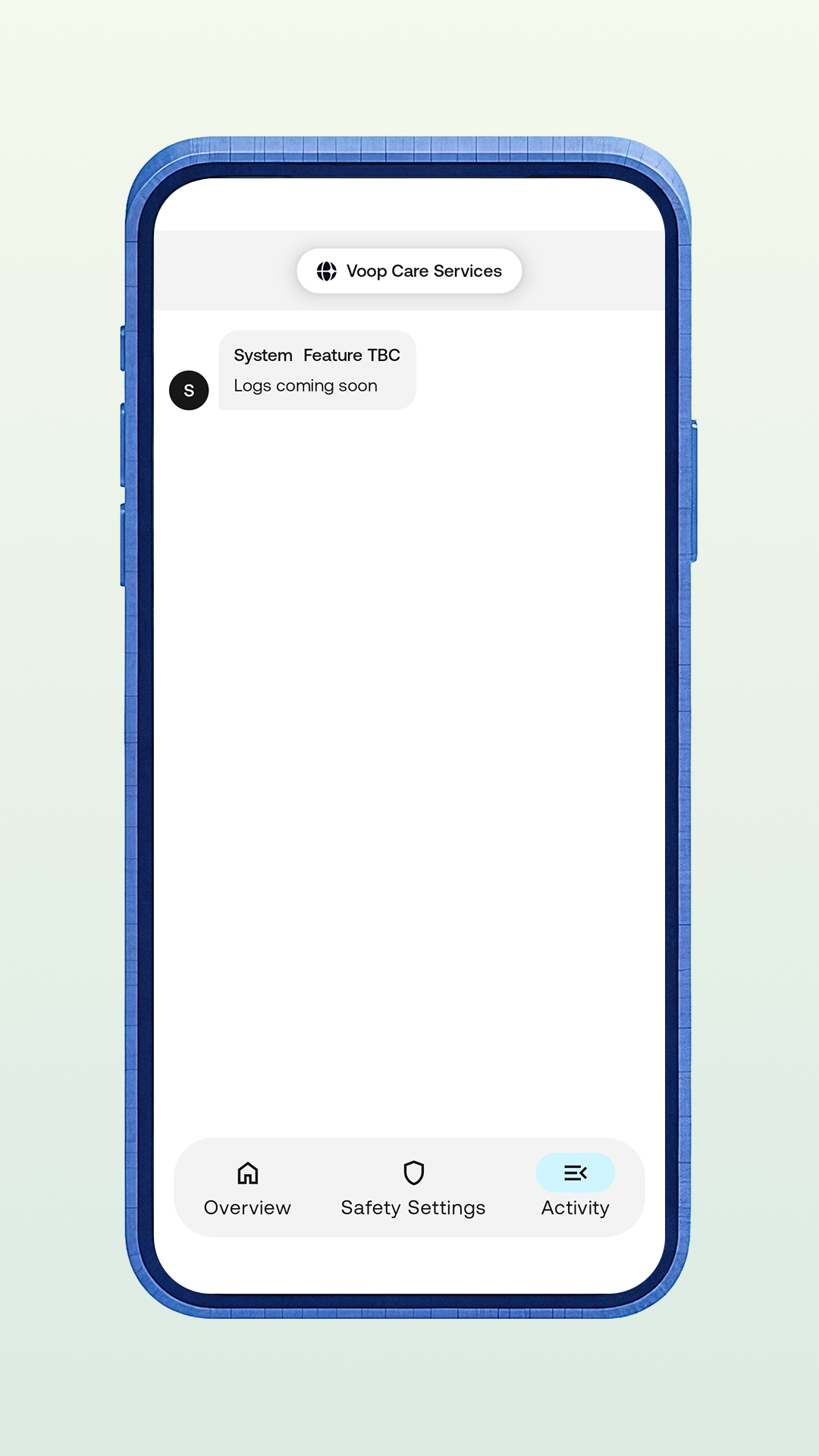
Activity
You can't do anything on this page...yet!
We're working on building an activity feed, so that a child will be able to see when a guardian makes a change to the management of their device. Come back soon!