

Roles & permissions
Hierarchy
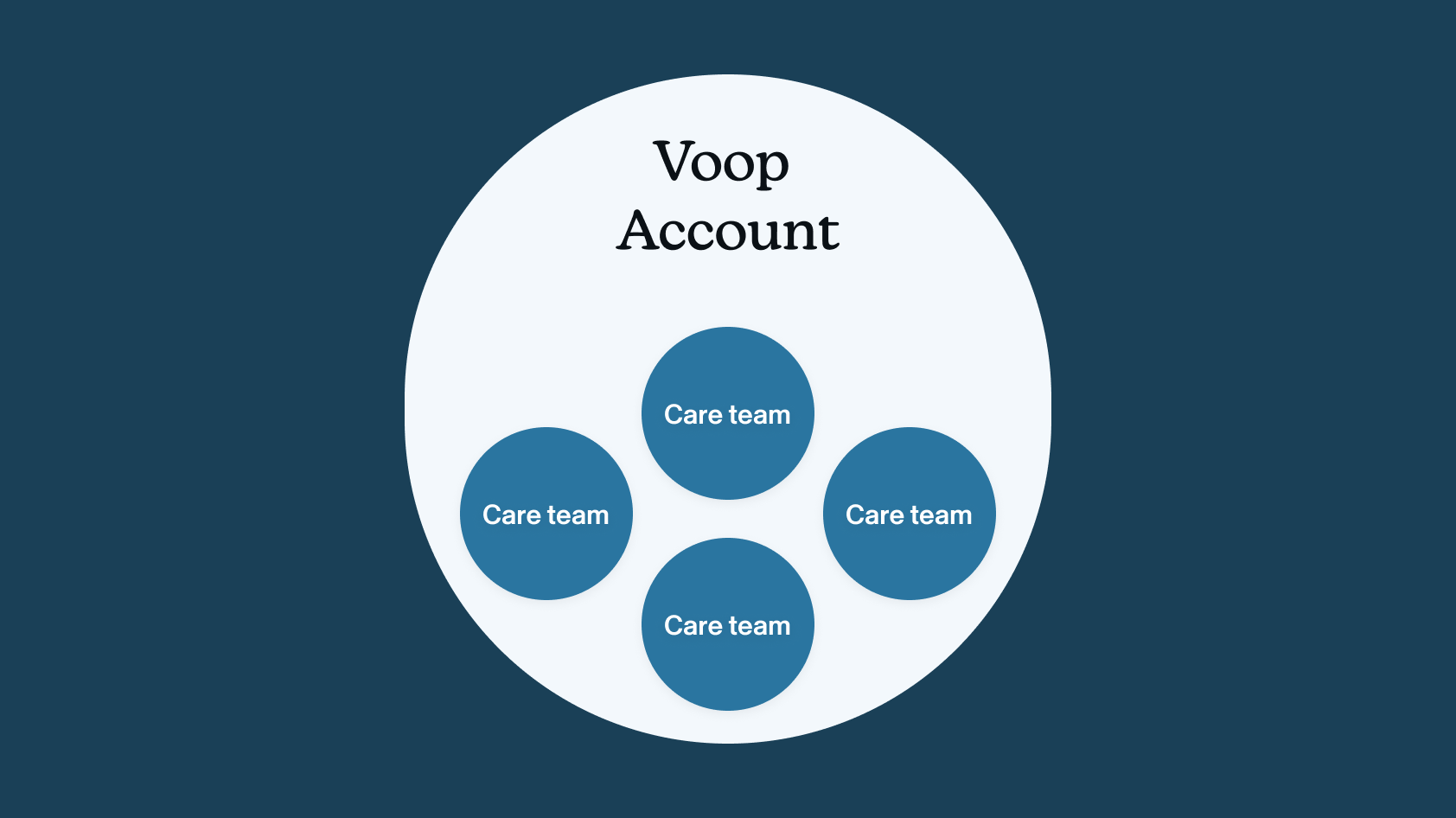
Voop is organised in two levels:
- Account: the organisation as a whole. Everyone who uses Voop belongs to one account.
- Team: a group of people inside the account. An account can have many teams.
To be on a team, a person must first be in the account.
Roles
Each person has a role at each level: one role in the account, and one role on each team they're in.
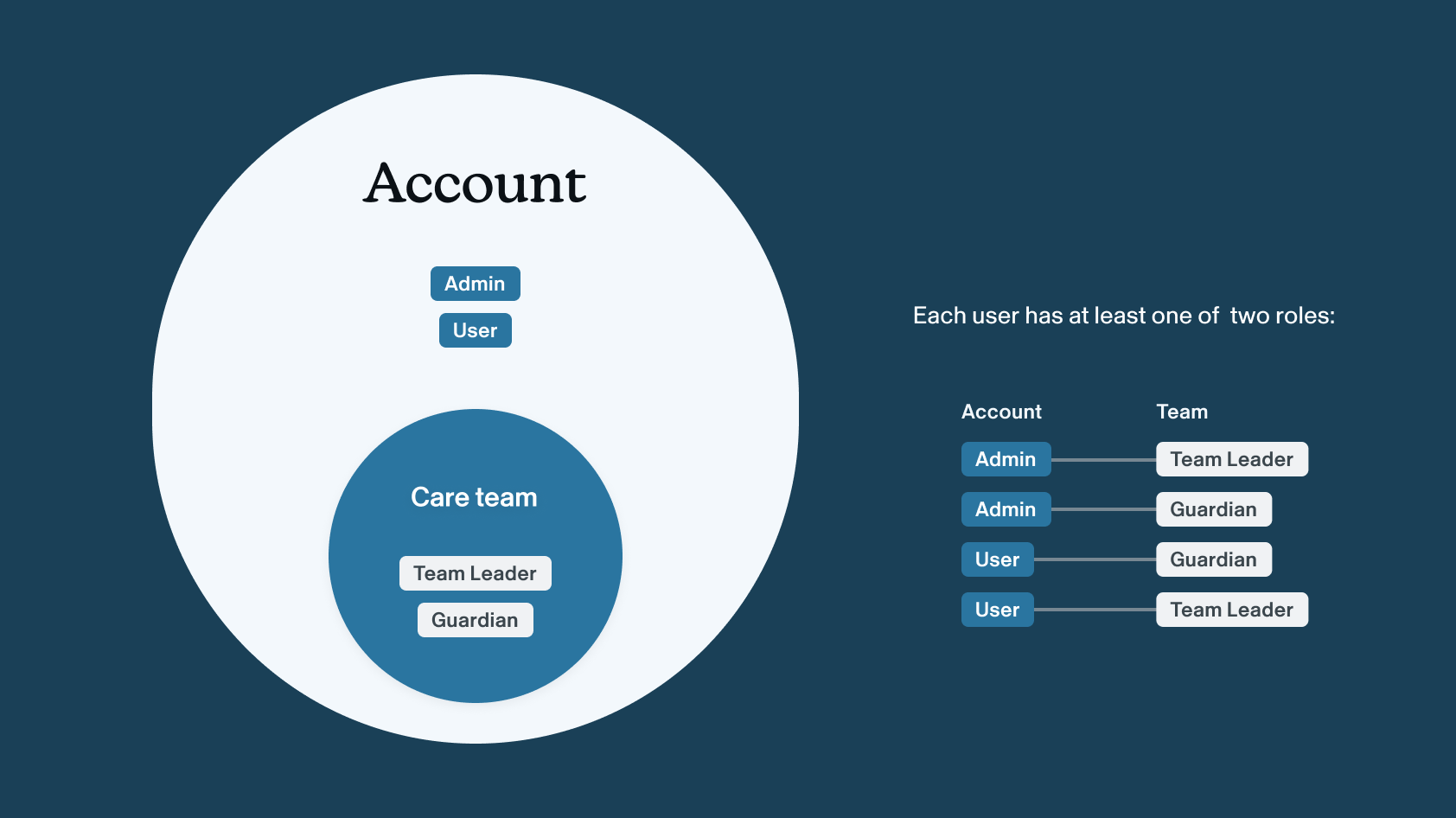
Account roles
| Role | Description | Create teams | Invite users to account |
|---|---|---|---|
| Admin | Manages who has access to the account | ✅ | ✅ |
| User | Any account member who isn't an Admin | ✅ | ❌ |
Team roles
| Role | Description | Invite existing account users to team | Invite new emails to team | Manage child |
|---|---|---|---|---|
| Team leader | Manages who is on the team | ✅ | If Account Admin | ✅ |
| Guardian | A team member without team management rights | ❌ | ❌ | ✅| |
Rules
- Every team must have at least one Team Leader. You can't remove the last Team Leader from a team or change their role to Guardian.
- Inviting someone brand new to a team needs both roles. A new invite adds the person to the team and the account at the same time, so you must be a Team Leader on that team and an Account Admin.
Why it works this way
Voop holds sensitive information about children in care. Every new account user is a new person who can see that data, so who gets in has to stay under control. Because only Account Admins can bring new people into the account:
| One accountable role decides who joins | People can't invite others freely, which could become a safeguarding or data privacy problem | Admins have a clear record of who has access and why |
|---|
We know it can be frustrating when a Team Leader needs someone new on their team and has to wait for an Admin.
What we're considering
Configurable invite permissions are common in enterprise software. Options we're looking at:
- Admins can let Team Leaders invite new users. This would be an account-level setting, off by default.
- Admins control invites more broadly. Admins could allow or deny invite rights for each role or each person.
Either way, Account Admins stay in control. Any new flexibility would be optional and sit on top of the current safe default.
We're collecting feedback on feature improvements here, and would love your input.